
A school changes its online registration system. By the next morning, parents are calling because they can’t find the button they used last semester.
The school sends an email and updates its FAQ. The information is technically available.
People are still confused.
The same thing happens when a nonprofit changes an application process or a company redesigns a customer portal. The problem isn’t always missing information.
Sometimes people simply need to see what changed.
That’s where short video can be useful—not as advertising, but as a practical way to explain a digital update.
When an Email Isn’t Enough
Imagine a community organization moving event registration to a new system.
Most people probably have only three questions: Where do I register now? Do I need a new account? Has the deadline changed?
Written instructions should still be available, both for accessibility and for anyone who needs the details. But a short video can do something an email cannot: show the change as it happens.
It might demonstrate where the new registration button is, what the first screen looks like, and what someone should do next.
However, there is an important distinction to make here.
If the final video teaches a real digital workflow, the interface itself should come from a verified screen recording or approved screenshots. AI-generated video can help plan the opening, pacing, visual emphasis, and surrounding explanation, but it should not invent the interface being taught.
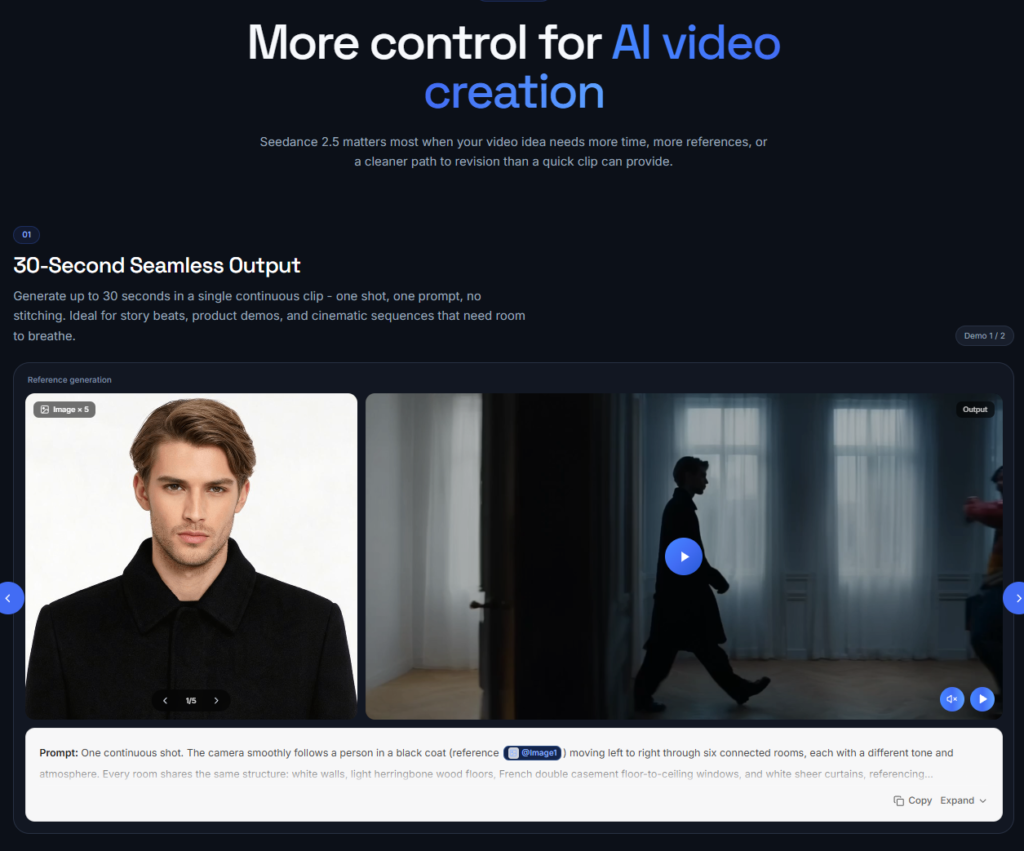
This is one reason tools such as Seedance 2.5 are worth considering outside the usual advertising and social media use cases.
The interesting question isn’t whether AI can make an impressive video.
It’s whether organizations can use it to structure the small explanations they need to make every week.
Some Product Changes Are Easier to Show
Technology companies know this problem well.
A software team redesigns a dashboard or moves a menu item. To the people who built the product, the change may feel obvious. To a customer who has followed the same routine every morning for two years, it isn’t.
Now the company has to update screenshots, help documentation, onboarding materials, and release announcements.
Not every interface change deserves a professionally produced video. Some, however, are simply easier to show than describe.
A short walkthrough showing where a familiar feature moved may be more useful than several paragraphs explaining the same thing.
In practice, the most reliable approach is still grounded in reality: use verified screen recordings or approved screenshots as the source of truth, then build the explanation around them.
AI video tools can support this process by helping teams decide how to introduce the change, where to slow down, and which steps deserve visual emphasis.
A Practical Workflow for Real Digital Updates
A reliable production process can be fairly simple:
- The organization confirms the new system, interface, or process.
- A real screen recording or approved screenshots are captured.
- The communications team identifies the steps users actually need to understand.
- AI-assisted video is used to test the opening, pacing, transitions, and visual emphasis.
- Editors combine that planning with real interface footage.
- A human reviewer checks dates, buttons, labels, links, and navigation paths.
- The final video is published alongside complete written instructions.
In this workflow, AI is not replacing the real interface.
It is helping shape how the explanation is delivered.
That distinction becomes particularly important with registration, payments, account settings, public services, or other processes where a small visual mistake could send someone in the wrong direction.
The Real Test Comes Next Tuesday
Producing one update video isn’t particularly difficult.
The real test comes when another one is needed next Tuesday.
Then another next month.
Traditional video production can be difficult to justify for routine communication. Scripts change, screenshots become outdated, and new footage has to fit with material that already exists.
Instead of asking whether a tool can produce the most impressive demo, organizations might ask a simpler question:
Could our communications team realistically use this again next week?
A school creating separate videos about account setup, registration, and deadlines doesn’t need three cinematic productions. It needs three explanations that clearly belong together.
A company publishing regular feature updates needs much the same thing.
Consistency matters more than spectacle.
Teams can measure that in practical ways: how quickly they reach a reviewable draft, how many factual corrections are required, and how long it takes to update an existing video when the underlying process changes.
Making the Workflow Repeatable
Suppose the first registration video establishes a simple visual language: consistent layout, clear step highlighting, readable subtitles, and a predictable rhythm for each instruction.
The useful part is being able to carry that approach into the second and third videos without designing the explanation from scratch every time.
This is where JXP Seedance 2.5 video generator can play a supporting role in the workflow.
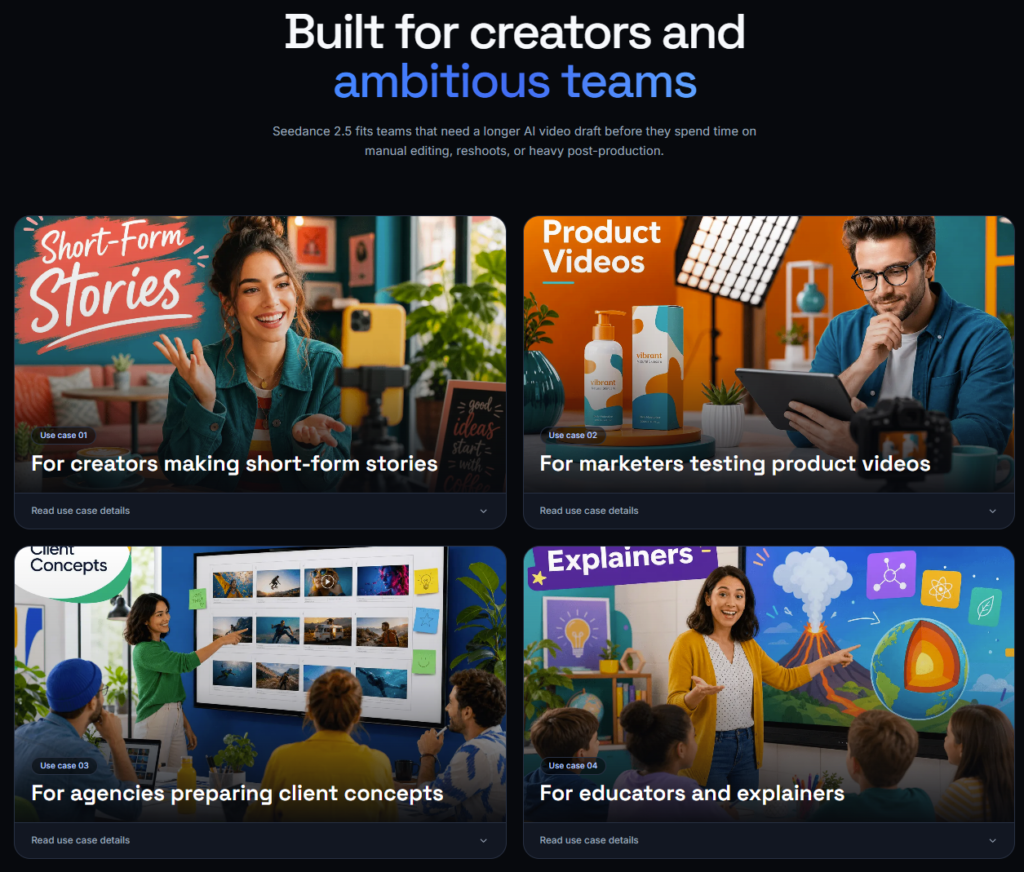
Its support for longer single clips, multimodal references, and targeted refinement can help teams explore different openings, transitions, and ways of emphasizing information before editors assemble the final version around verified material.
Reference-led drafting may also help a team test a shared visual direction across a series. That doesn’t guarantee perfect consistency, however. Every output still needs to be checked for visual drift and factual accuracy.
In practice, dependable consistency should come from human-defined templates, typography, subtitle styles, approved colors, and editorial standards rather than relying on generation alone.
Privacy and Accuracy Still Come First
Before screenshots or recordings enter any external AI-assisted workflow, teams should remove student names, account details, email addresses, application records, and other personal information.
This is especially important for schools, nonprofits, healthcare providers, and systems involving user accounts or sensitive information.
Teams should also avoid uploading real registration records, financial information, private administrative interfaces, or screenshots containing information that identifies individual users.
If a video explains a deadline, payment process, application requirement, account procedure, or public service, a human reviewer should verify it before publication.
Are the dates correct?
Does the video reflect the current interface?
Are button names and navigation paths accurate?
Could someone misunderstand the next step?
AI can help produce communication.
It should not become the source of truth.
Accessibility Is Not Optional
Clear communication is not only about simplicity. It is also about access.
A useful update video should still make sense when the sound is off. Captions should be included, and important steps should also exist in text form.
Color should not be the only way essential information is communicated.
For public-facing organizations, a basic accessibility checklist can include:
- readable subtitles with sufficient contrast
- no reliance on color alone to communicate meaning
- enough time for viewers to read and follow each step
- avoiding rapid flashing or unnecessarily fast visual changes
- controls that allow viewers to pause or replay the video
- a clear path to complete written instructions
The video should support the information rather than become the only place where that information exists.
A Useful Video May Be a Boring Video
AI video is often demonstrated with dramatic camera movements, stylized environments, and highly polished visuals.
Organizations usually need something much less exciting.
Sometimes the useful video is the boring one.
It shows where the registration button moved.
It explains what employees need to complete before Friday.
It demonstrates a redesigned feature using verified interface footage instead of forcing customers to search through several help pages.
It tells people where to find complete information about a changed service.
For most organizations, the best AI-assisted video is not the most cinematic one.
It is the one that may reduce confusion, make the next step easier to find, and give people a clearer path to verified information.