
A full-body photo can look polished while you are working on it and still feel wrong once it appears in a feed. The problem is not always a visible editing artifact. Sometimes the finished image simply reads differently at posting size: the pose feels unbalanced, the crop becomes cramped, or hands and feet draw attention for the wrong reasons.
Before posting, a body photo editor app should be followed by one last review of the finished frame rather than another round of random corrections. The point is to see the image as the audience will see it and catch only the problems that affect that final view.
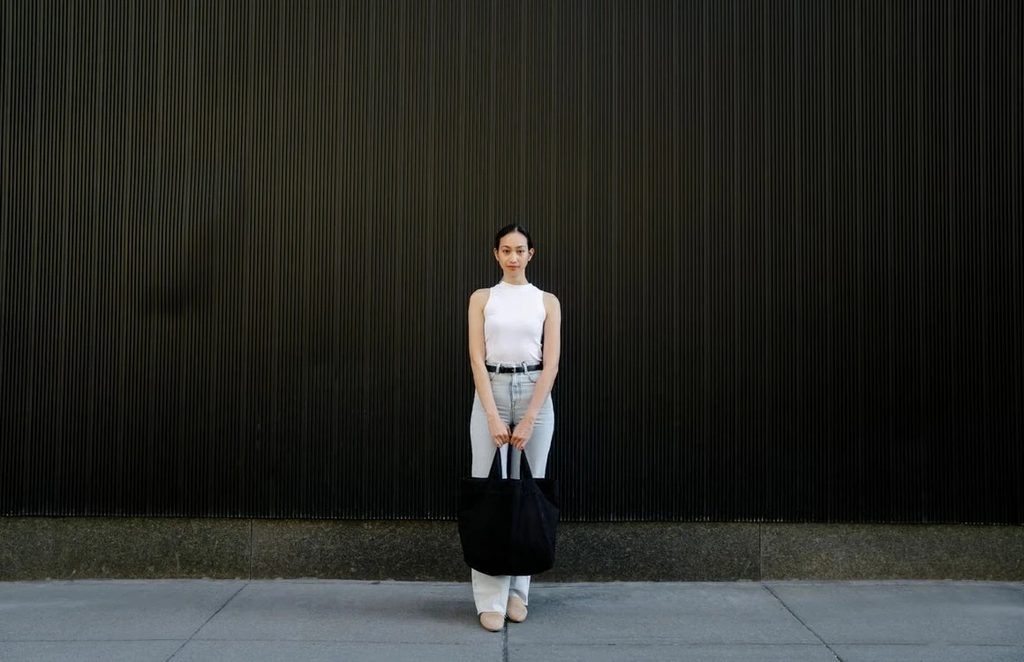
Start at the size people will actually see
Preview the photo at roughly the size it will occupy on the platform. A correction that looked important on a large monitor may disappear in a feed, while an awkward stance can become more noticeable when the image is reduced.
This first pass is about visual weight. Notice where your eye lands, whether the figure feels balanced within the crop, and whether one part of the pose unexpectedly dominates the frame.
Read the pose as one connected stance
Look at the relationship between shoulders, torso, hips, and legs rather than judging each body area separately. Weight distribution matters: if one leg carries the pose, the hips and shoulders should still feel consistent with that position.
Perfect symmetry is not the goal. Many natural poses depend on asymmetry, and forcing both sides into the same visual balance can make the stance feel stiffer rather than cleaner.
Give hands and feet their own pass
Hands and feet sit at the ends of the figure and are easy to overlook while attention stays on the torso. They can become slightly stretched, narrowed, cropped awkwardly, or pushed too close to the edge of the frame.
Check finger length, shoe shape, ankle proportions, and the amount of breathing room around the extremities. Small errors here can make an otherwise convincing image feel subtly uncomfortable.
Test the crop before export
A vertical photo may appear differently in a feed, grid, story, or profile preview. Make sure the final crop does not cut through joints awkwardly or remove the space that makes the original pose feel balanced.
A useful final sequence is:
- preview the intended display size;
- read the overall posture and weight distribution;
- check hands and feet;
- test the crop and spacing around the figure;
- return once to the complete frame without zooming.
This sequence has a clear endpoint. It keeps the final review focused on presentation rather than turning it into an invitation to search for more imperfections.
Stop when the frame reads cleanly
A pre-post check should confirm the edit, not restart it. If the pose reads naturally, the extremities look intact, and the crop gives the figure enough space, the image has passed the checks that matter at publication size.
At that point, more retouching may add work without adding value. The useful final decision is knowing when the photograph already does its job.