
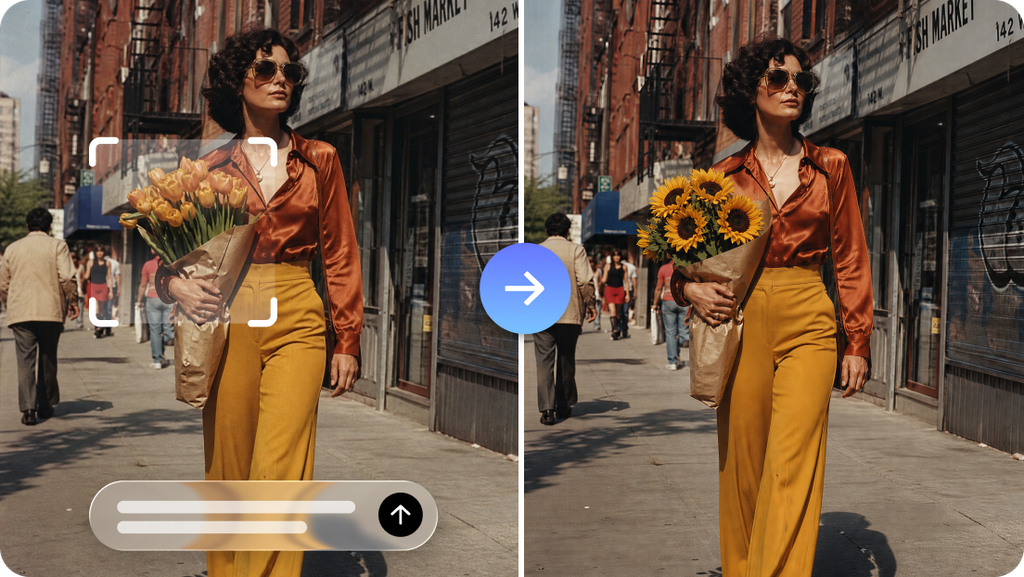
An AI-generated image can be close to what you imagined without being suitable for the project. The colors may be right, but the subject looks unnatural. The setting feels convincing, yet an important object is missing. Sometimes, the image follows the prompt closely but still lacks the atmosphere needed to communicate the intended idea.
These situations do not necessarily mean the entire creative process has failed. Often, the problem lies in one unclear instruction, a conflicting requirement, or an expectation that the model cannot reliably satisfy in a single attempt. Seedream 5.5 can be used to explore and refine visual ideas, but better results often come from diagnosing problems before changing the prompt. A deliberate troubleshooting process helps creators identify what went wrong and choose an appropriate next step.
Diagnose the Problem Before Rewriting the Prompt
When an image disappoints, the immediate reaction is often to add more descriptive words. However, a longer prompt is not always a better prompt. Additional instructions can introduce competing priorities and make the desired result harder to define. Start by identifying the main failure. Is the subject incorrect, the composition confusing, the lighting inconsistent, or the overall mood unsuitable? Choose the most significant issue rather than attempting to fix everything at once.
For example, a prompt for a ceramic coffee mug might produce an attractive scene in which the mug is partly hidden behind decorative objects. Adding more details about the ceramic finish will not solve the composition problem. The instruction should instead clarify that the mug is the primary subject and that surrounding objects must remain secondary. This distinction saves time because the next attempt addresses the actual cause rather than an unrelated detail.
Four Common Problems and How to Approach Them
The subject does not match the description
A generated object may have the wrong proportions, color, shape, or identifying details. This can be especially troublesome when working with a product or a character that needs to remain recognizable. Use concrete descriptions rather than relying on broad terms such as “perfect” or “professional.” Specify the important physical characteristics and, where available, provide an appropriate reference image.
If accuracy is essential, inspect the result against the reference instead of assuming that a visually convincing output is factually correct. Critical logos, labels, measurements, and product features may require manual correction.
The composition feels crowded
A scene can become cluttered when every object receives equal emphasis. Too many decorative details may distract from the main subject or make the image difficult to understand at a glance. Reduce the number of competing elements in the prompt. State what should dominate the frame, which objects provide context, and where negative space should remain.
For example, a promotional image for a desk lamp may need the lamp, a simple desk surface, and a quiet background. Extra books, plants, stationery, and decorative objects should only appear if they contribute to the intended message.
The lighting looks inconsistent
Unconvincing shadows or conflicting highlights can make an otherwise strong image feel artificial. This may happen when the prompt combines several lighting directions or describes incompatible visual effects.
Simplify the lighting instructions. Specify the main light source, its direction, and whether the intended effect is soft, dramatic, warm, or cool. Review the shadows and reflections after each generation. A reflective object may require particular attention because its appearance depends on the surrounding environment as well as the light source.
The image has the wrong emotional tone
Words describing mood can be interpreted differently. A request for a dramatic scene might produce excessive contrast, while a description of a cheerful setting could introduce colors or expressions that feel unsuitable for the audience.
Translate the desired mood into observable choices. Instead of simply requesting a reassuring atmosphere, describe gentle illumination, balanced composition, natural expressions, and a restrained color palette. These details give the model more specific direction while leaving room for creative interpretation.
Learn from Each Attempt
Repeated generation becomes more useful when every attempt provides information. Before making another version, write down what worked and what did not. A simple comparison record can include the prompt change, the intended improvement, and the result. If reducing background detail improves the image, preserve that instruction in future attempts. If a particular adjective consistently leads to exaggerated effects, replace it with more precise language. Seedream 5.5 can support iterative refinement, but creators should avoid changing several unrelated instructions between versions. When everything changes simultaneously, it becomes difficult to understand why one result is better than another.
There is also a point at which further prompting stops being productive. If the subject remains inaccurate after several focused attempts, consider changing the reference material, simplifying the concept, editing the image separately, or choosing another production method. Not every visual problem is best solved through repeated generation.
Protect the Details That Already Work
Editing introduces a second challenge: improving one area without damaging another. A revision might correct the background but alter the subject’s proportions or remove a detail that was previously accurate.
Before editing, identify which parts of the image must remain unchanged. Include these constraints in the instruction and inspect the full output afterward, not just the revised area. Keep earlier versions until the final image has been approved. This creates a practical fallback if a later attempt weakens the composition. For professional projects, maintain clear filenames and compare versions at the same display size to make meaningful differences easier to spot.
Remember That Visual Quality Is Only One Requirement
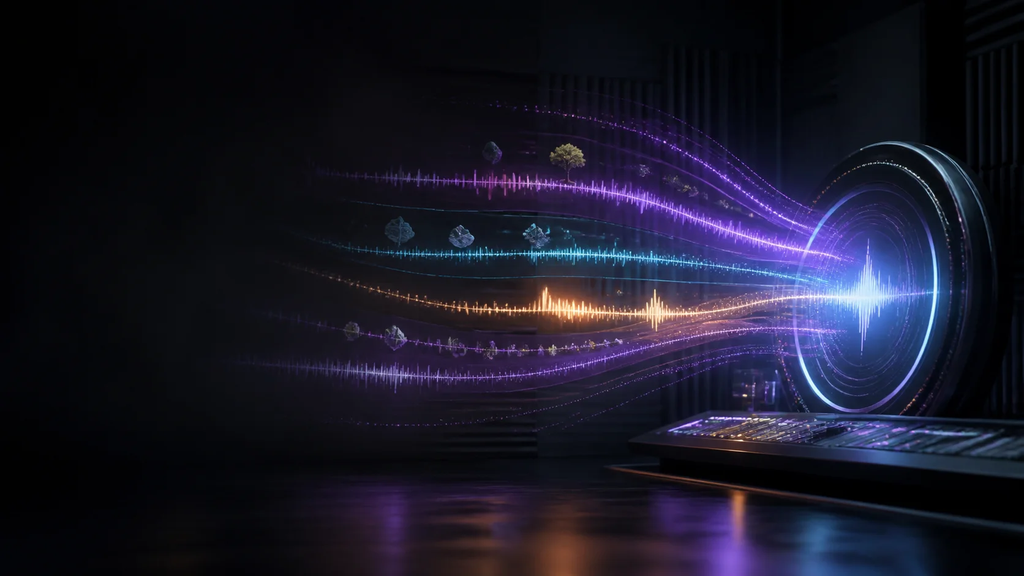
An image can be attractive and still be unsuitable for publication. Depending on the project, creators may also need to check dimensions, text accuracy, transparency, brand consistency, permissions, and the final export format. For video projects, visual troubleshooting may also reveal the need to reconsider the accompanying sound. Dreamina has also integrated Seedaudio 1.5, which focuses on AI audio generation involving elements such as dialogue, ambience, music, and sound effects. Audio should be evaluated separately for clarity, timing, and suitability rather than being treated as an automatic extension of the image. A final review should therefore consider both creative quality and practical readiness. This helps prevent a polished preview from being mistaken for a finished deliverable.
Conclusion
Improving AI-generated images begins with understanding the problem, not simply adding more words to a prompt. Seedream 5.5 can help creators explore visual possibilities and refine results, while structured troubleshooting makes each revision more purposeful.
By isolating individual issues, using specific instructions, learning from previous attempts, and protecting successful details, creators can reduce wasted effort and make better decisions about when to edit, regenerate, or change their approach. The goal is not endless refinement, but an image that accurately serves its intended purpose.
Frequently Asked Questions
1. Why can a detailed prompt still produce an unsatisfactory image?
A prompt may contain conflicting requirements, vague descriptions, or too many competing details. Clear priorities and concrete instructions often make the intended result easier to communicate.
2. Should every visual mistake be corrected through another generation?
No. Small issues may be better handled with targeted editing, while fundamental composition or subject problems may justify a fresh attempt or a different workflow.
3. How can creators avoid losing good details during editing?
Identify the features that must remain unchanged, request a focused revision, and compare the complete result with the earlier version before accepting the changes.
4. When should an AI-generated image be rejected rather than refined?
Consider starting over when essential details remain inaccurate, the concept does not communicate the intended message, or repeated revisions fail to improve the result.
5. What makes an AI-generated image ready for professional use?
It should meet the creative brief, contain no unacceptable visual errors, fit the required dimensions and format, and pass relevant checks for accuracy, permissions, and publication requirements.