
Video rarely fails because the editor forgot to add sound. It fails because the sound was added too late, without a clear job. Music, effects, silence, room tone, and voice all shape how a viewer understands a scene. A strong video audio workflow begins before the timeline is finished, because the rhythm of the edit and the rhythm of the track should support each other.
Start With the Purpose of the Scene
Before choosing a track, define what the audio must do. A product demo may need confidence and clarity. A travel reel may need momentum and warmth. A tutorial may need music that stays below speech. A dramatic short may need silence as much as sound. Once the purpose is clear, it becomes easier to reject tracks that sound impressive but distract from the message.
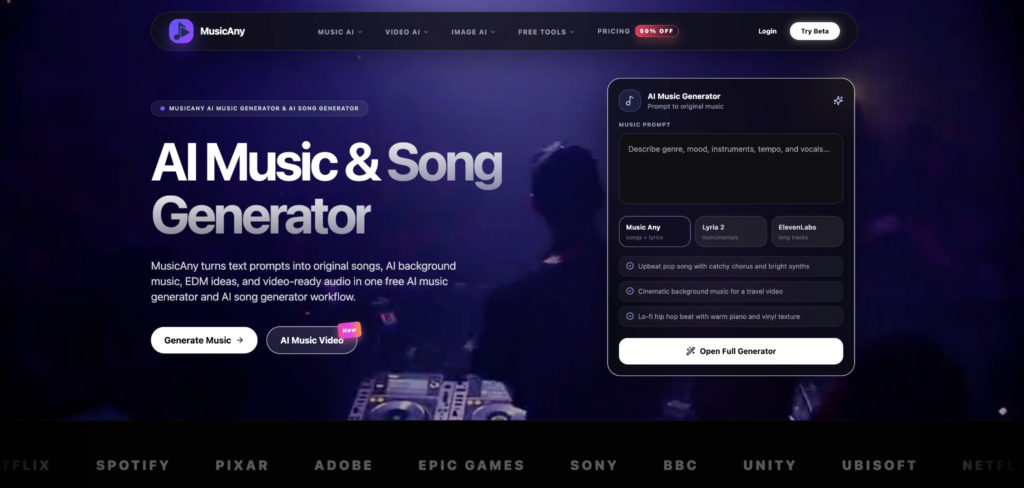
A practical starting brief should include mood, pacing, length, audience, and whether the video has narration. A tool such as MusicAny can help here because its AI music generator workflow starts from a written brief, while a final visual test with an uncensored AI video generator can show whether the audio direction still supports the scene once the edit becomes more expressive.
Build Audio in Layers
Good video sound is usually layered. The first layer is the main voice or subject sound. The second is music. The third is sound design, such as transitions, impacts, ambience, or interface clicks. The final layer is silence, which gives the ear space to reset. If every layer competes for attention, the video feels smaller instead of richer.
Use music to carry emotion, not to cover weak pacing. If a cut feels slow, fix the edit first. If the scene feels empty, add ambience before adding a loud track. If the narration is important, choose a mix with fewer vocals and less midrange clutter.
Match Energy to the Edit
The best audio choice follows the movement of the video. Fast cuts usually need a track with a clear pulse. Slow cinematic shots may need a broader texture. A talking-head explainer often works better with a minimal bed that stays consistent. Try placing the same track under three different sections of the video. If it only works in one section, you may need a shorter cue or a more flexible arrangement.
Avoid Common Mistakes
Common mistakes include using music that is too loud, adding effects to every transition, ignoring licensing, and choosing a song because it sounds good alone rather than because it serves the edit. Export a quick draft and listen without watching. If the audio feels crowded, the viewer will probably feel it too.
Finish With a Simple Review
Before publishing, check levels on headphones, laptop speakers, and a phone. Make sure the first three seconds have a clear audio intention. Save the prompt, source file, license notes, and final export. That habit turns audio from a last-minute decoration into a repeatable part of video production.