
The restaurant menu is behind a QR code. So are the instructions on the parking meter. At the concert gate, the code is the ticket itself. A dead battery can make all three situations look alike, but each calls for a different response. A server can take an order. A parking operator needs a valid payment. A venue needs to verify that the ticket belongs to the person presenting it.
The first question is what the code does. Some codes open a web page. Others lead to a payment screen or display a credential that a scanner checks. Knowing which one is involved makes it easier to find an alternative.
At the Restaurant, Ask for the Menu
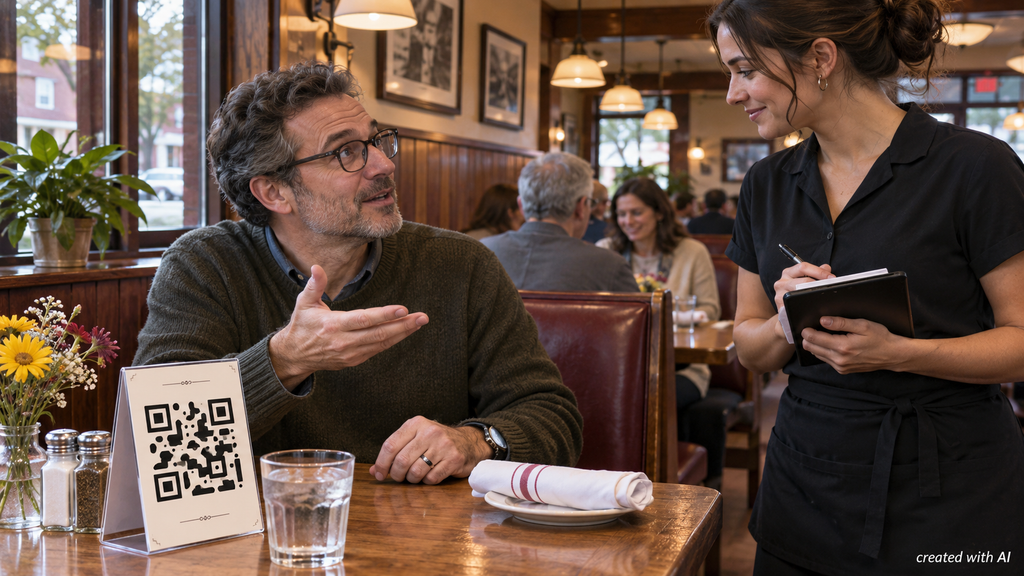
A table card might open a menu, start an order or take diners straight to a payment page. If the page stalls, the simplest request is specific: ask for a printed menu, a menu on a staff device, or an order taken at the table. A restaurant may use the QR system for convenience while still accepting orders through staff.
If the code opens a PDF that’s hard to read, staff may be able to show a larger copy or explain the options. For an allergy, ask the server to check the dish with the kitchen. A menu’s brief description may omit a sauce ingredient or a garnish. That question is worth asking even when the digital menu works perfectly.
At the Meter, Confirm the Parking Session
The parking sign may show a zone number, an operator and several ways to pay. If the scan fails, look for a card terminal, a named app or another payment method listed on the permanent sign. An app opened independently can be useful when the code is damaged. Match the zone number on the sign to the one in the app before paying. Nearby spaces can belong to different zones.
Before leaving the car, check what the operator recorded:
- Plate number. A saved vehicle might still be selected if the account has been used for more than one car.
- Zone. Match the digits to the sign for the actual parking space.
- End time. Look for an active session or a receipt showing when the paid period ends.
A payment code can also be one step in a casino cashier process. If the cashier at casino Bizon offers a deposit method that uses a QR code, the player can start in the signed-in account and check the amount and recipient in the payment app before authorizing it. After payment, the cashier’s transaction history is the place to check whether the deposit was credited or is still pending. If it remains pending, the transaction reference gives support a specific payment to trace before the player considers sending another one.
At the curb, a bank alert can show that a card was charged while leaving the parking details unclear. The operator’s confirmation is what identifies the plate, zone and time paid for. If no listed method works, contact the operator through its published details or move to a space with a payment method that works.
A Sticker Can Send Payment Elsewhere
A QR code stuck over part of a parking sign deserves a closer look. The Federal Trade Commission’s warning about QR scams describes scammers covering legitimate codes on parking meters with their own. A replacement sticker can lead to a convincing payment page that collects card details.
An unfamiliar web address, a misspelled operator name or a sticker covering an older code is enough reason to stop before entering payment information. Open the operator’s app or find its website independently. If card details have already been entered on a suspicious page, contact the card issuer through its official app or the number on the card. Save the web address and any confirmation without reopening the payment link.
At the Gate, Bring the Actual Ticket
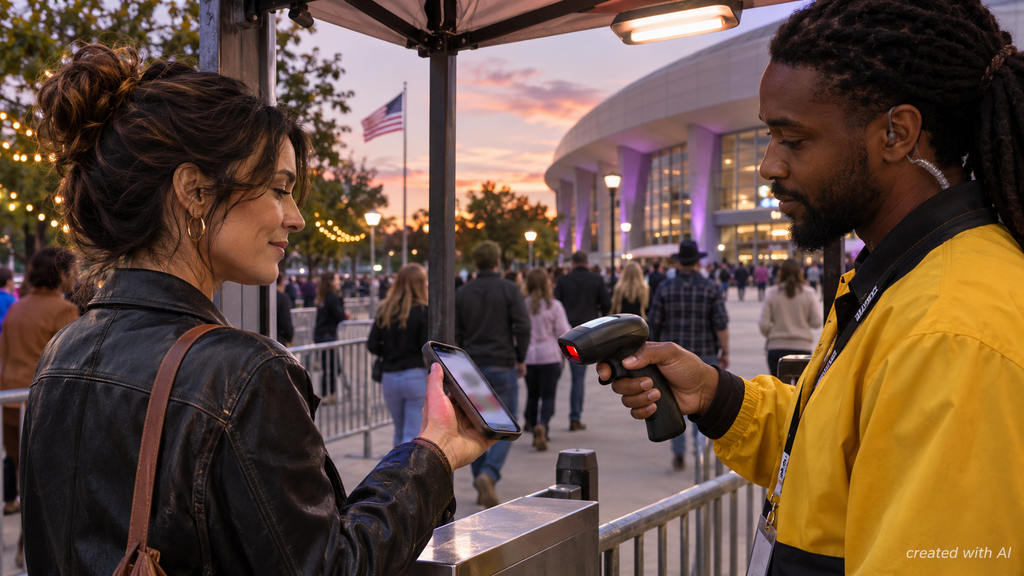
A screenshot can look identical to a ticket in an app and still fail at the scanner. Some venues use a barcode that refreshes. Others accept a ticket saved in a supported mobile wallet. The issuer’s instructions determine what will work for that event.
- Open the ticket before leaving. Confirm the date and seat in the issuer’s app or account. An order confirmation may only show that a ticket was purchased.
- Set up access for the trip. If the issuer supports Apple Wallet or Google Wallet, add the ticket while there’s a good connection and open it in the wallet to check it.
- Agree on who holds each ticket. If the group will arrive separately, complete any supported transfers early and have each recipient open their own ticket.
If the phone dies at the venue, head to the box office or the designated ticket-help desk. An order number and identification may help staff locate the booking, although replacement options depend on the event. For tickets purchased through a reseller, keep that seller’s order confirmation handy so there’s a record to refer to if the venue sends the issue back to the point of purchase.